


Website Security Checklist for 2026: What Actually Matters
If you've been googling "website security checklist for 2026" at 11 pm because someone in your team just mentioned a "weird login attempt," take a breath. You're not alone, and honestly, most business owners in Ludhiana are figuring this stuff out the hard way too. A client of ours found out her site was flagged by Google for malware only after a customer emailed asking why the checkout page looked "off." That's usually how it goes silently, until it isn't. This isn't going to be one of those checklists with 40 vague action items you'll never open again. It's the stuff that genuinely moves the needle in 2026, explained the way I'd explain it to a friend running their first online store.
Why 2026 Feels Different From Previous Years
Attacks used to be loud, obvious defacements, ransom notes on your homepage. Now they're quiet. Bots crawl thousands of small business sites a day looking for outdated plugins or exposed admin panels, and they don't care if you're a bakery in Model Town or an enterprise SaaS company. The scale has just gotten bigger, and AI-assisted scanning tools mean vulnerabilities get found faster than most site owners can patch them. That's exactly why working with a cyber security company in Ludhiana that actually monitors your site instead of just installing a plugin and walking away has become non-negotiable for a lot of local businesses this year.
The Basics Nobody Wants to Talk About (Because They're Boring)
I know, SSL certificates and software updates aren't exciting. But skipping them is like leaving your front door unlocked because installing a better lock felt tedious. Here's the short version of what actually needs attention:
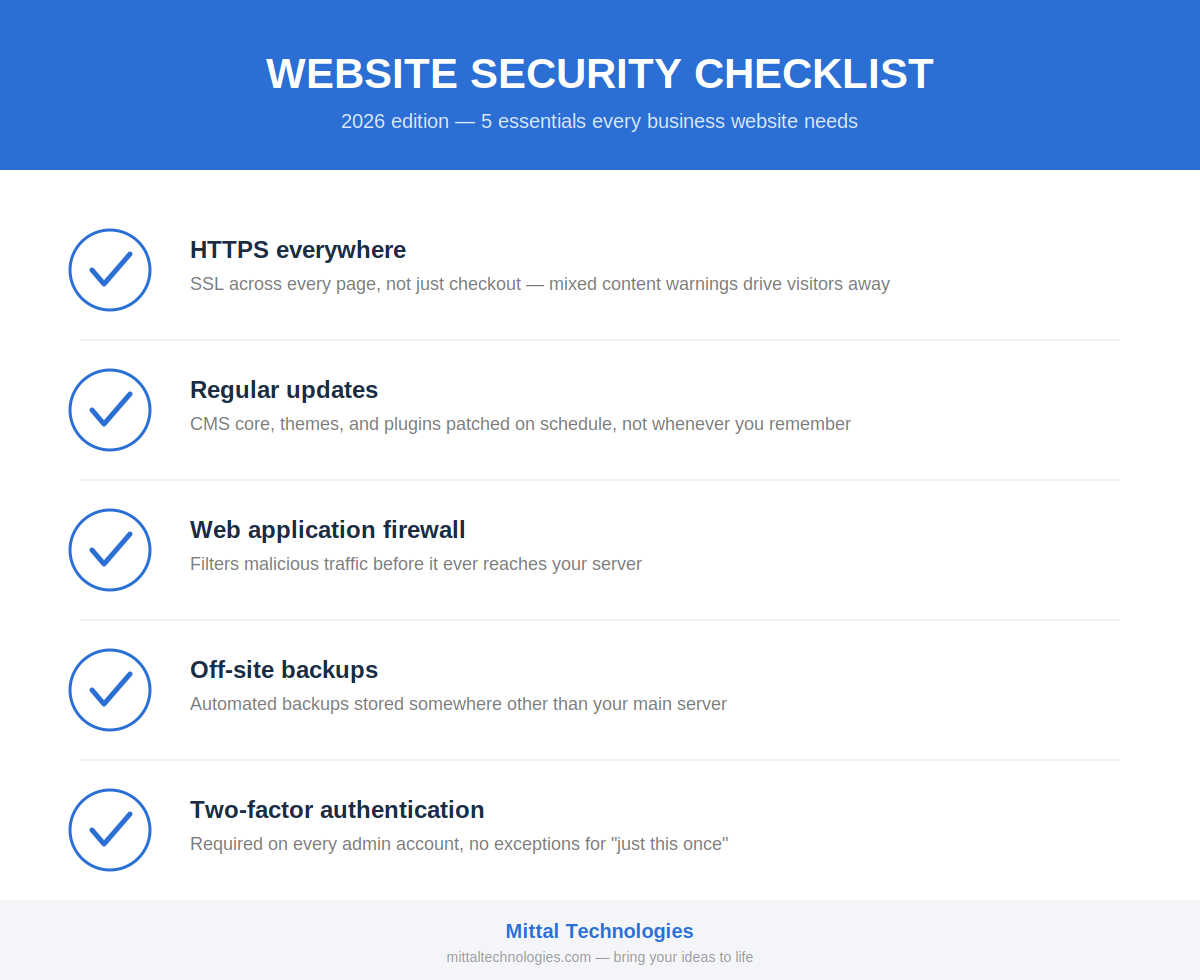
None of these are glamorous. All of them stop the majority of attacks that actually happen.
What a Real Cybersecurity Audit Should Cover
A lot of people think a cybersecurity audit is just a scan that spits out a PDF full of red and green checkmarks. It's not, or at least it shouldn't be. A proper one looks at your server configuration, checks for exposed directories, tests how your login pages handle brute-force attempts, and reviews whether old plugins or forgotten subdomains are quietly creating backdoors. We did this recently for a client whose site had five plugins nobody remembered installing, turns out one of them had a known vulnerability from 2023 that was never patched. Nobody noticed because the site "worked fine." That's the trap.
Mistakes We See Local Businesses Make (Repeatedly)
Working as a software company in Ludhiana, we end up seeing the same three or four mistakes across almost every audit we run. Reused admin passwords across multiple platforms. Contact forms without spam filtering that quietly become spam-sending machines. SSL certificates that expired months ago because nobody set a renewal reminder. And plugins installed for a one-time task in 2022 that are still sitting there, unpatched, doing nothing but adding risk. None of these are dramatic failures. They're just neglect, and neglect is exactly what attackers are counting on.
When You Actually Need to Call a Developer
You don't need to panic-call anyone for a slow page load. But if you're noticing unexplained redirects, users reporting strange popups, or Google Search Console flagging security issues, that's your cue to bring in a website developer in Ludhiana who can dig into server logs and actually diagnose what's happening rather than just clearing cache and hoping it goes away. Waiting even a week can mean the difference between a quick fix and a full site rebuild.
Building Security Into the Site From Day One
Here's something we tell every new client: security shouldn't be an afterthought bolted on after launch. When you work with a website development company Ludhiana businesses trust for the long run, security gets baked into the architecture, proper input sanitization, role-based access, encrypted database connections, instead of being patched in later when something breaks. It's genuinely cheaper and less stressful this way, even though it doesn't feel urgent at the start.
At Mittal Technologies, this is more or less our whole philosophy. We've had clients come to us after a breach, frustrated and confused about what went wrong, and honestly most of the time it traces back to something preventable. If you want to see the people who actually handle these audits and fixes day to day, Our Team page has real faces behind the work, not stock photos.
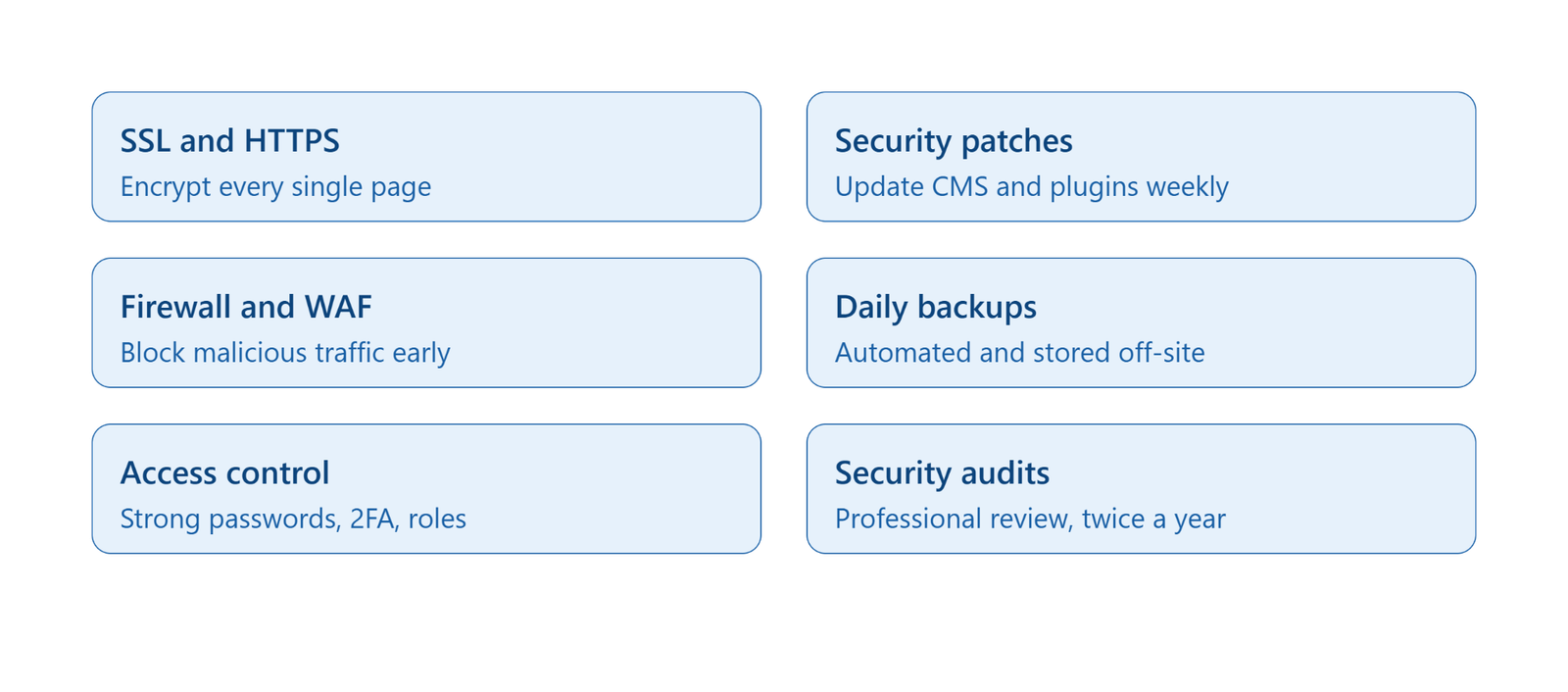
Quick Reference: The 2026 Checklist
- SSL and HTTPS across the entire site
- Weekly patch checks for CMS, plugins, and dependencies
- Firewall or WAF actively filtering traffic
- Daily automated off-site backups
- 2FA and role-based access for every admin login
- A professional security audit at least twice a year
FAQs
1. How often should a small business website be audited for security?
Twice a year is a reasonable baseline, though sites handling payments or customer data should lean toward quarterly checks.
2. Is a free SSL certificate good enough for 2026?
For most small business sites, yes, the encryption strength is the same. What matters more is making sure it auto-renews so it doesn't quietly expire.
3. Can a website get hacked even with good hosting?
Absolutely. Hosting handles server-level security, but outdated plugins, weak passwords, and unpatched code are usually the actual entry points.
4. What's the very first sign a site has been compromised?
Often it's subtle, unexpected redirects, a drop in search rankings, or Google flagging the site as unsafe before you notice anything visually wrong.
5. Do I really need two-factor authentication for a small team?
Yes, especially for a small team, since a single compromised password could otherwise expose your entire site with nobody else noticing until it's too late.